Every production AI deployment needs a gateway. The gateway routes requests to the right model, manages API keys, enforces rate limits, and gives teams a unified endpoint across every model in use. For security and AI teams, that gateway is also the most efficient place to enforce policy: every prompt and every response passes through it, which means checks run once and apply everywhere, without touching application code.
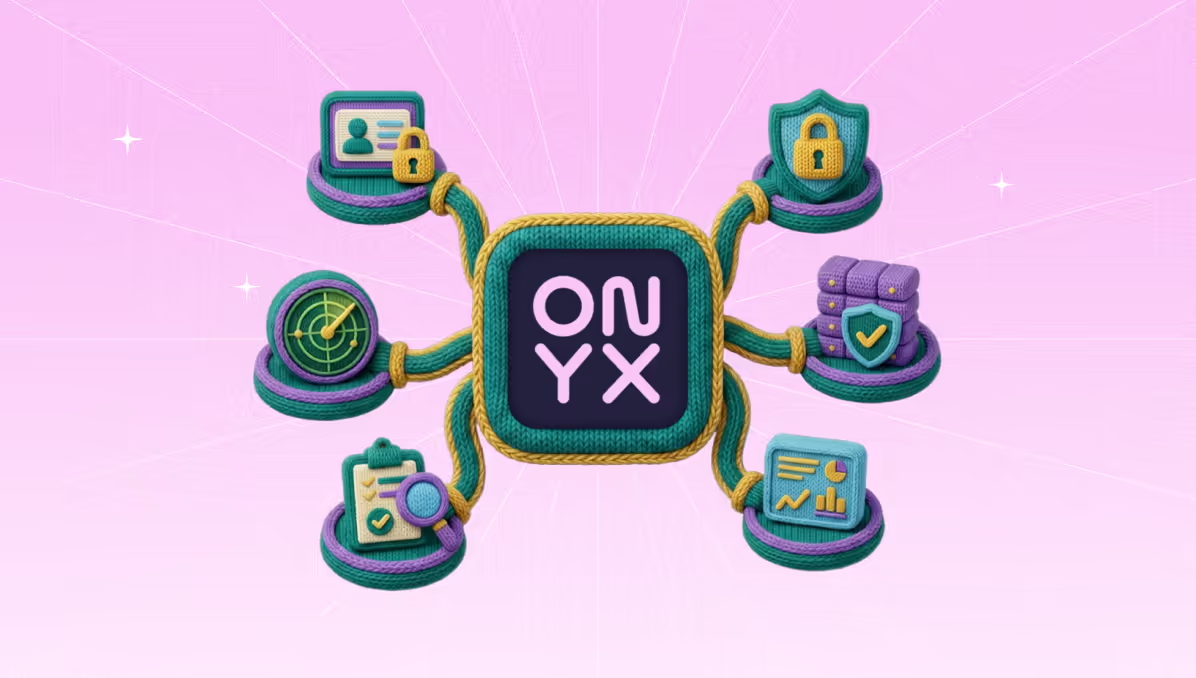
An AI gateway is an important component of the Secure AI Control Plane. Onyx serves as a policy enforcement layer for any gateway, evaluating every prompt and response against your security rules, compliance policies, and data-loss controls. Onyx’s gateway-agnostic approach supports all enterprise offerings. No need to choose between your gateway preference and your security requirements.
Onyx + TrueFoundry AI Gateway
TrueFoundry’s AI Gateway is the choice of many Fortune 1000 companies. Their enterprise gateway processes 10B+ requests per month and supports 1,000+ LLMs across multiple protocols with minimal latency.
Onyx is announcing an integration with TrueFoundry, enabling joint customers to easily extend the visibility, governance, and control provided by Onyx to their preferred gateway. Adding Onyx turns the gateway into a Secure AI Control Plane, enabling the same runtime control policies to run on every model, input, and output.
The guide below walks through how to set up the integration.
Prerequisites
- A TrueFoundry account with at least one model provider configured on the AI Gateway.
- An Onyx policy and its API token from onyx.security, with Input and Output rules configured for what you want enforced.
- A host that can serve public HTTPS for the guardrail wrapper. A TrueFoundry Service works, or any container host.
- A shared bearer token that the gateway will present to the wrapper.
Step-by-step integration
Onyx exposes an evaluate API, and the gateway speaks its own custom-guardrail contract. A small wrapper sits between them and translates. The wrapper is open source.
Step 1: Deploy the guardrail wrapper
Clone the integration, configure it, and deploy it. The wrapper receives the gateway's request, calls Onyx, and returns a verdict.
Step 2: Register the custom guardrail configs
In the TrueFoundry dashboard, go to AI Gateway, then Guardrails, then Add New Guardrails Group. Name it onyx-guard and add two Custom Guardrail configs, one per direction.
For each config, set Auth Data to Custom Bearer Auth with your WRAPPER_API_KEY, and leave Config empty.
Step 3: Attach the guardrail to traffic
Attach the group to a model in the model's guardrail settings, or pass it per request with a header so you can test without changing a model:
Send a benign prompt and it passes through to the model. Send one that trips an Onyx rule and the gateway blocks it, returning the policy's message instead of a model answer.
What you get
- Input and output validation. The input rail screens prompts before the model runs; the output rail screens responses before they reach the user. Onyx evaluates each against your policy's Input-direction and Output-direction rules.
- Policy-driven blocking. Blocks carry the message you configured in Onyx, so the caller sees your wording, not a generic error. You change enforcement by editing the policy in the Onyx console, with no redeploy of the wrapper.
- One policy across every application. Because the check runs at the gateway, every team and every app that routes through it inherits the same guardrails. There is no per-application integration to maintain and no coverage gap when a new service ships.
- Observability in the same place. Guardrail decisions are traced alongside the rest of the request. The gateway is OpenTelemetry-compliant, so you can see which requests were blocked and why in the same stack you already use for latency and cost.
Security does not have to slow your developers down. With Onyx running as a guardrail on the TrueFoundry AI Gateway, prompt-injection and policy checks apply to every LLM call from one place, input and output, with no per-application work. Start integrating on the TrueFoundry AI Gateway.
Frequently Asked Questions
Guardrails are checks the gateway runs on prompts and responses before they reach the model or the user. On the TrueFoundry AI Gateway they run as configurable policies, so you can block prompt injection, jailbreaks, or data leakage centrally rather than in each application.
Yes. The integration registers two rails, one on the request and one on the response. Whether a given phrase is blocked on output depends on your Onyx policy having an Output-direction rule; input and output are configured separately in Onyx.
No. The guardrail runs at the gateway. You attach it to a model or pass a header on the request, and your application code keeps working.
TrueFoundry runs in your VPC, on-prem, air-gapped, or across clouds, and no data leaves your domain. Onyx's integration with TrueFoundry works with both cloud-hosted and self-hosted TrueFoundry deployments. Check the integration documentation for any version-specific requirements.
Yes. The gateway is OpenTelemetry-compliant and plugs into Grafana, Datadog, or Prometheus, tracing each request from prompt to model, guardrail decisions included.
Onyx is designed to work alongside any AI gateway. Contact the Onyx team to confirm compatibility with your specific gateway and version.